nette-tailwind-starter-kit
Authentication on day one
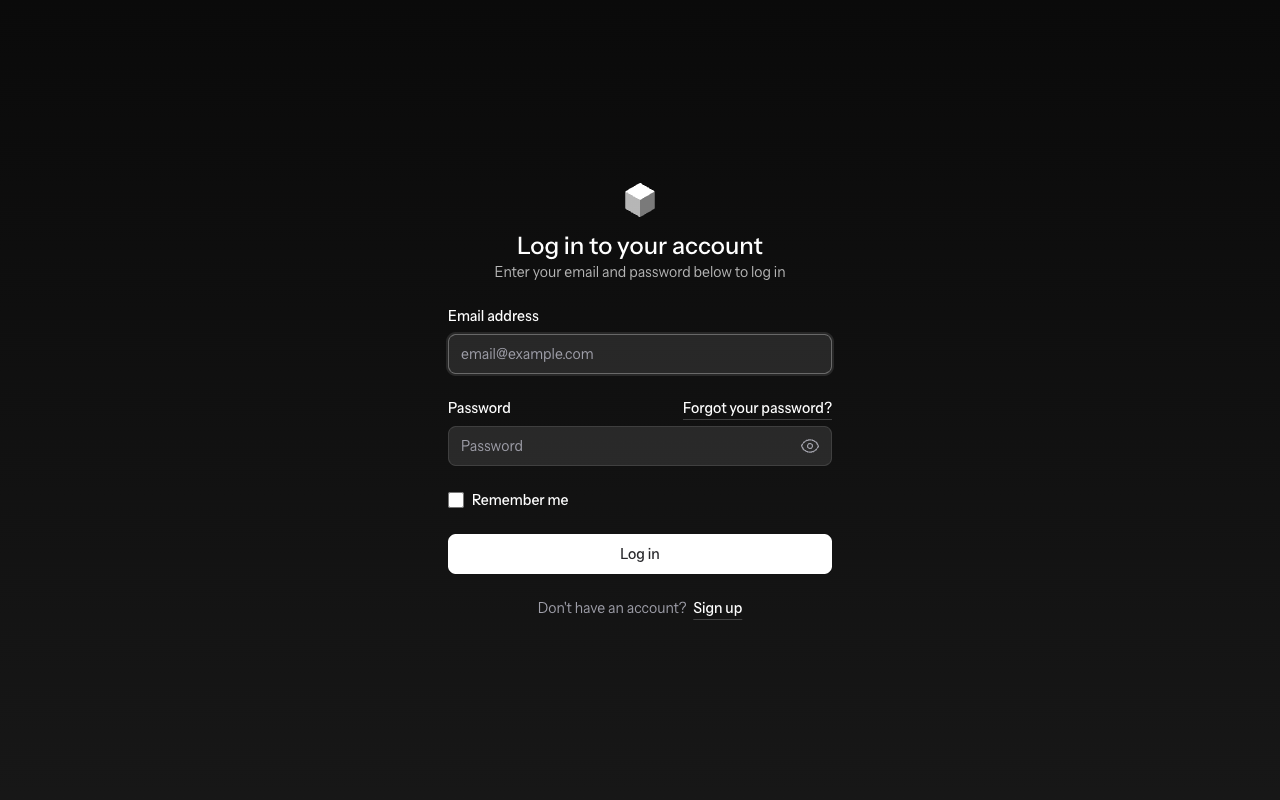
The Nette counterpart of the Laravel Livewire Starter Kit: login, registration, password reset, email verification, a dashboard and account settings, ready after one command.
What I missed
Laravel's starter kits give you a working application in minutes. Behind them, Fortify keeps the authentication logic separate from the UI. In Nette I wrote this part again for every project.
The kit is built on nette-tailwind, nette-migrations and nette-middleware. It behaves like the Laravel kit wherever that makes sense: the same pages, routes, validation messages and rate limits.
What you get
-
Log in and out
Log in with remember me, registration and logout over POST.
-
Password reset
Forgotten password by email with a 60-minute token, then a new password.
-
Email verification
Signed verification links; a changed email is verified again.
-
Password confirmation
Sensitive pages ask for the password once every three hours.
-
Rate limiting
Five login attempts per minute for an email and IP, limits on mail re-sending.
-
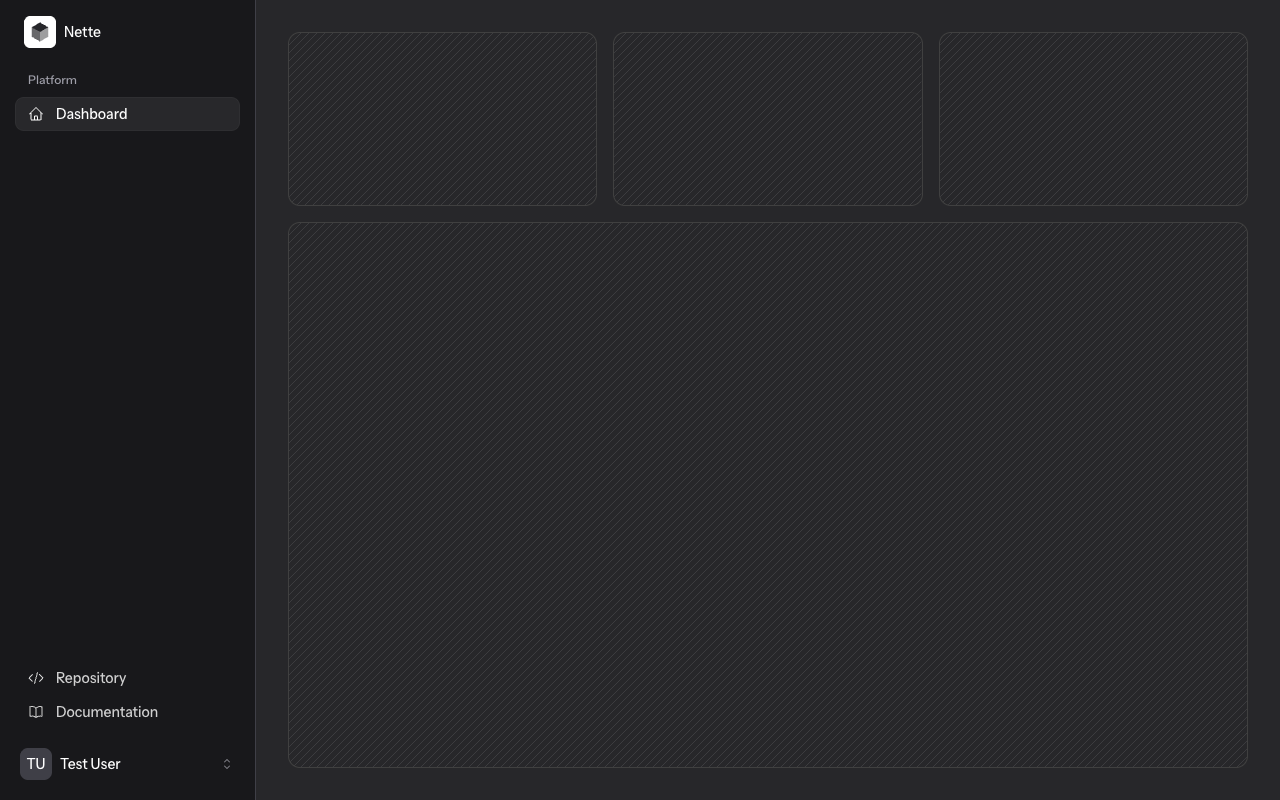
Dashboard
Application layout with a sidebar, mobile menu and user menu.
-
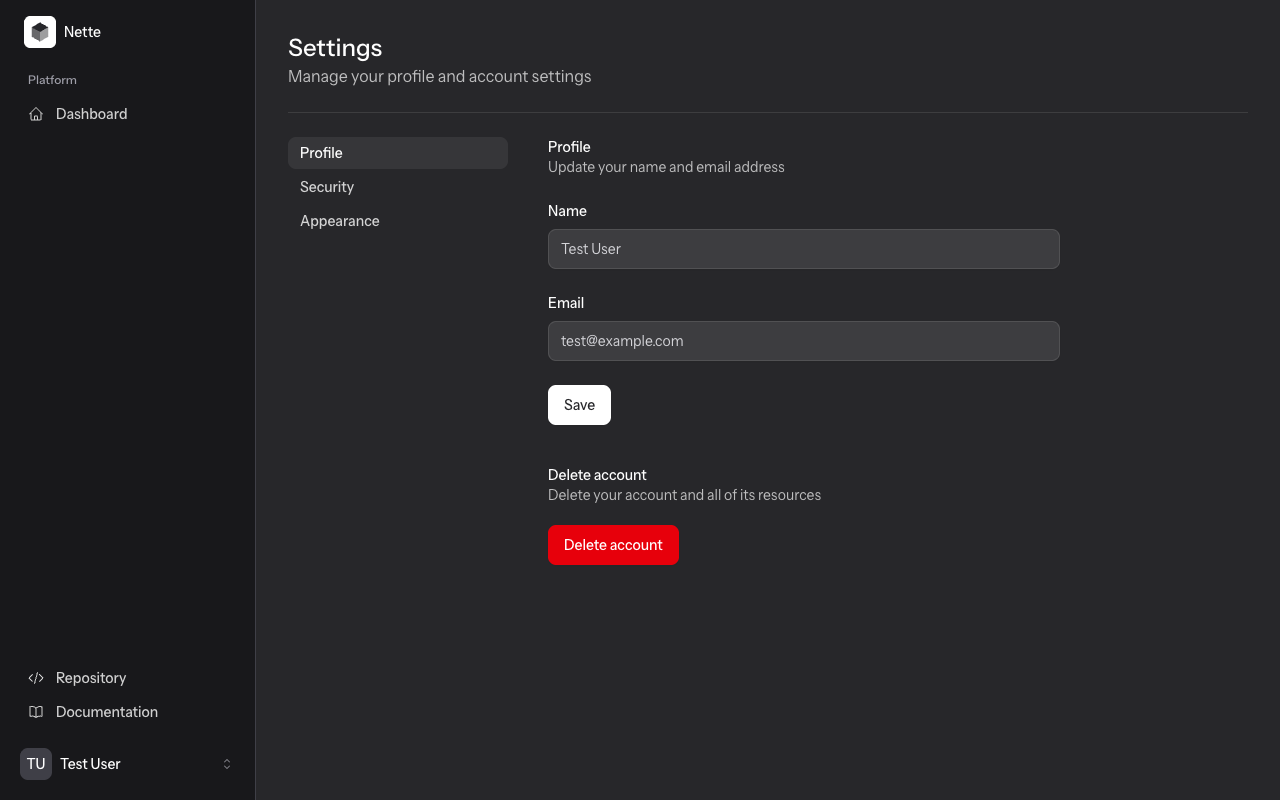
Settings
Profile, password, appearance (light, dark, system) and account deletion.
-
Feature switches
Registration, password reset and email verification can be switched off in NEON.
-
Tests
The auth actions and every page, through the real router and middleware.
Screenshots
How it works
Authentication core
app/Auth is the counterpart of Fortify: actions such as RegisterUser
or ResetPassword take plain arrays and return errors as field => message,
so the same logic can serve Latte forms today and a JSON API or React and Vue kits later. You customise validation
and persistence in app/Actions/Auth, like app/Actions/Fortify in Laravel.
Access control
Routes use nette-middleware: guest, auth,
verified and password.confirm, listed route by route,
with no catch-all route that could bypass them.
UI
Latte templates with Tailwind CSS in the look of Laravel's Flux components. Settings forms submit through Naja: errors and toasts appear without a reload, like Livewire. Alpine.js handles menus, dialogs and the dark mode switch.
Out of the box, mails are written to log/mail as .eml files,
so the project runs without an SMTP server. Point it to Mailpit or your SMTP in config/local.neon.
Laravel → Nette
| Laravel | Starter kit |
|---|---|
| Fortify actions (CreateNewUser, ...) | app/Actions/Auth + contracts in App\Auth\Contracts |
| config/fortify.php features | auth: features: in config/common.neon |
| auth, guest, verified, password.confirm | app/Http/Middleware via nette-middleware |
| redirect()->intended() | IntendedRequest + restoreRequest($backlink) |
| Livewire settings pages | Naja AJAX forms with snippets |
| php artisan key:generate, APP_KEY | php nette key:generate, appKey in config/local.neon |
| MAIL_MAILER=log | Nette\Mail\FileMailer into log/mail |
| php artisan migrate --seed | php nette migrate --seed |
Install
composer create-project rajtik76/nette-tailwind-starter-kit my-app
cd my-app
npm install && npm run build
php nette migrate --seed
Then run npm run dev and php -S localhost:8000 -t www
and log in as test@example.com with the password password.
Not included yet: two-factor authentication and API tokens.